Creating A Logo
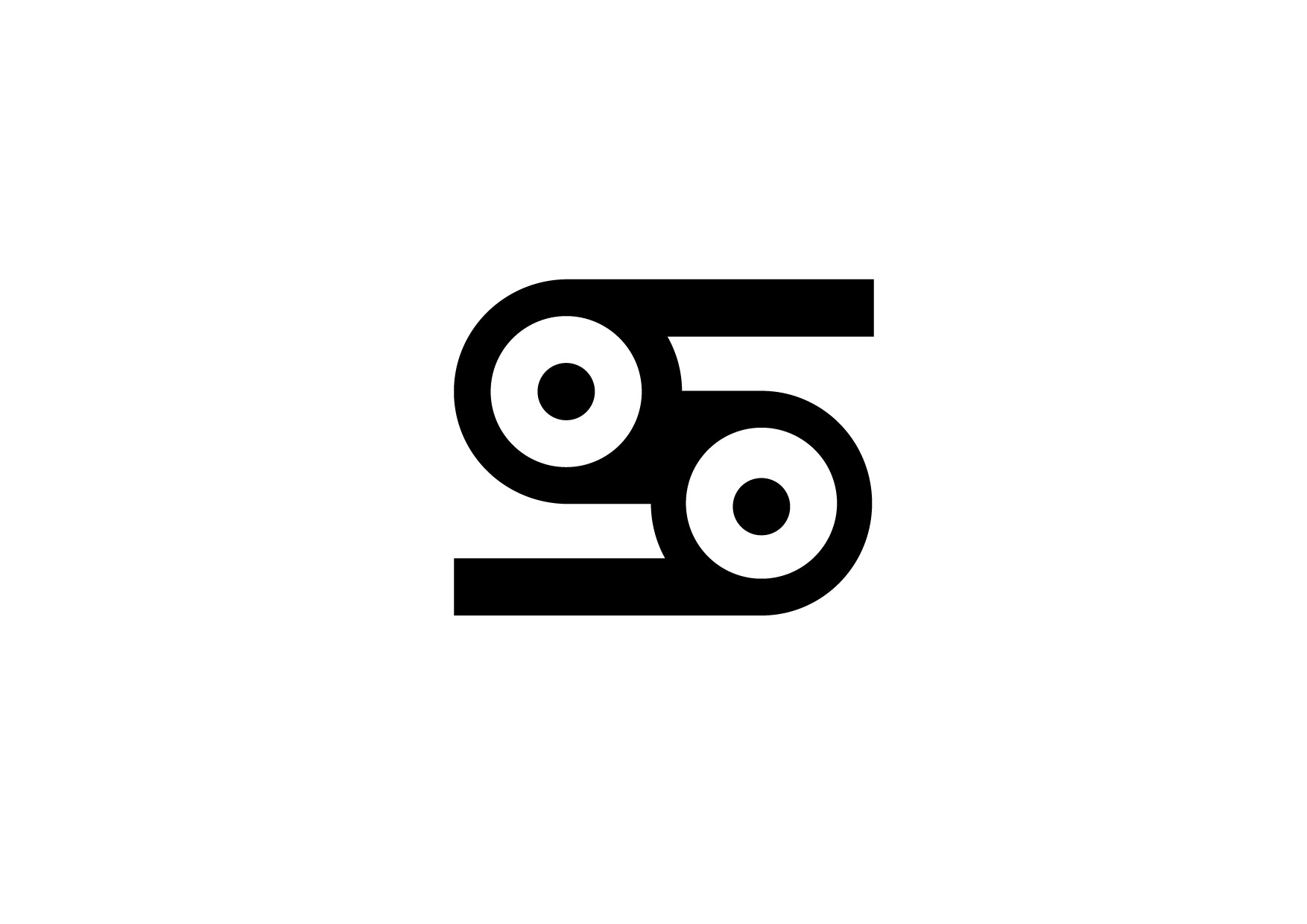
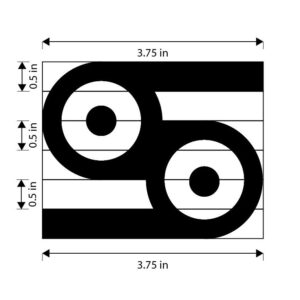
When creating logos, you will quickly notice that designs using grids perfectly represent a brand’s intent and underlying thought process. To illustrate this, consider the image presented here, which clearly uses both measurements and grids to resemble a cassette tape. To create a logo like this, make your grids visible in Adobe Illustrator, use shapes, and apply geometric principles. You can build your logo using the Shape Builder tool, which connects basic geometric shapes into a single, cohesive design. It is completely normal to try multiple times to find what best suits your vision. Design relies on trial, error, and implementing feedback from others into your final look.
Being Smart With Guides
While setting up a fixed grid layout gives your logo a solid geometric foundation. By manually adjusting every single element can slow down your creative momentum. This is where you can work more efficiently by enabling Smart Guides. Available in Adobe Illustrator via the View > Smart Guides menu, these dynamic, temporary lines appear automatically as you work. Removing the guesswork from logo design by showing you exactly where an object’s edges line up with adjacent shapes. Instead of breaking your concentration to open the alignment panel every few seconds. You rely on Smart Guides to snap your components cleanly in place, keeping your vector paths flush and professional.
Polishing & Finalizing
Finally, once your logo’s geometry is locked into place using grids and Smart Guides. It is time to transition from rough construction to a polished final product. Begin expanding all your paths, merging any overlapping shapes with the Pathfinder panel. Cleaning up any stray vector anchor points that could cause rendering glitches later. This is also the stage where you step back to make optical adjustments. Sometimes what is perfect according to a grid can look slightly off to the human eye. Finish your workflow by testing the logo at microscopic sizes to ensure it remains legible. Then export it into a standard high-resolution PNG for your toolkit. From you transitioning from simply drawing shapes to engineering an impactful visual identity.

Leave a Reply